


Only logged in customers who have purchased this product may leave a review.
PULWTOP 11-in-1 MacBook Docking Station with Dual 4K HDMI, 100W PD & Ethernet
Original price was: £119.99.£99.99Current price is: £99.99.






















PULWTOP 11-in-1 MacBook Docking Station with Dual 4K HDMI, 100W PD & Ethernet
Original price was: £119.99.£99.99Current price is: £99.99.
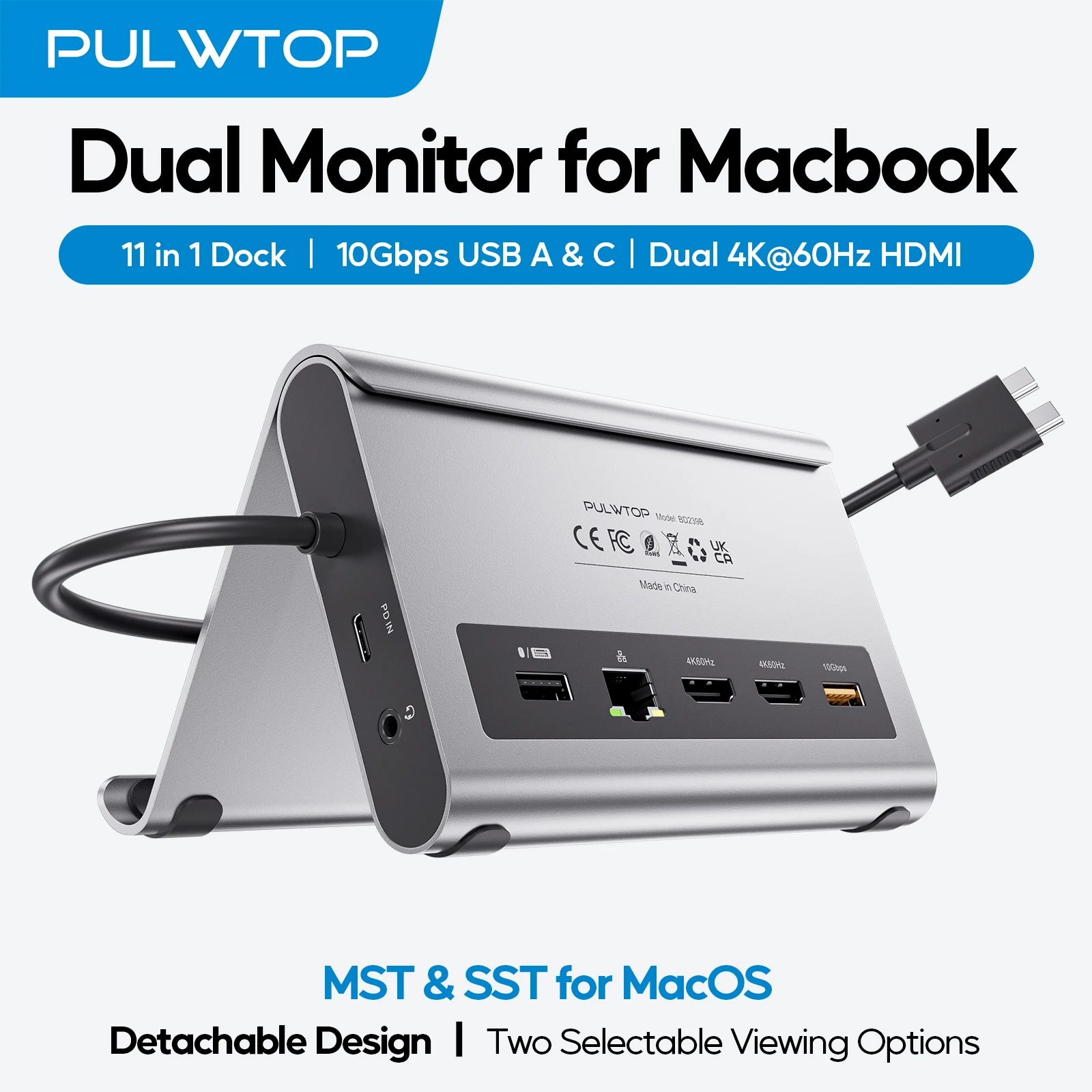
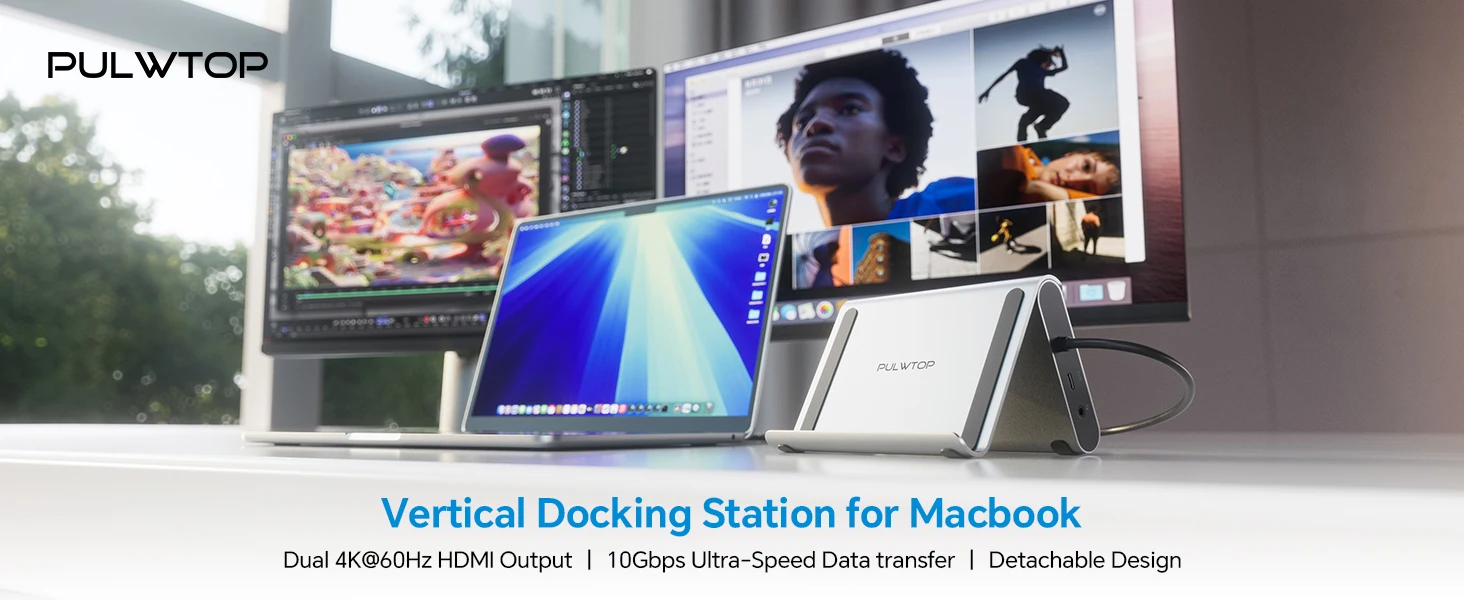
⚡ 11-in-1 MacBook docking station for a cleaner, more powerful desk setup
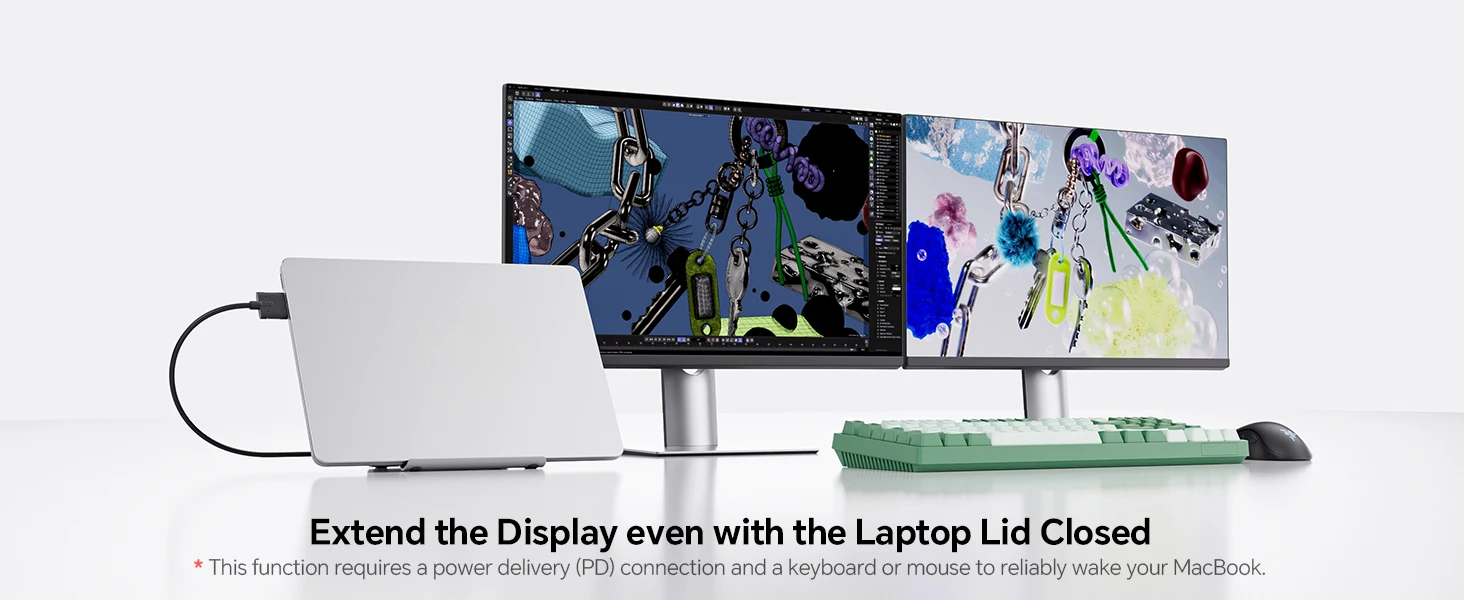
🖥️ Dual HDMI output supports up to 2 x 4K@60Hz monitors for work, meetings and entertainment
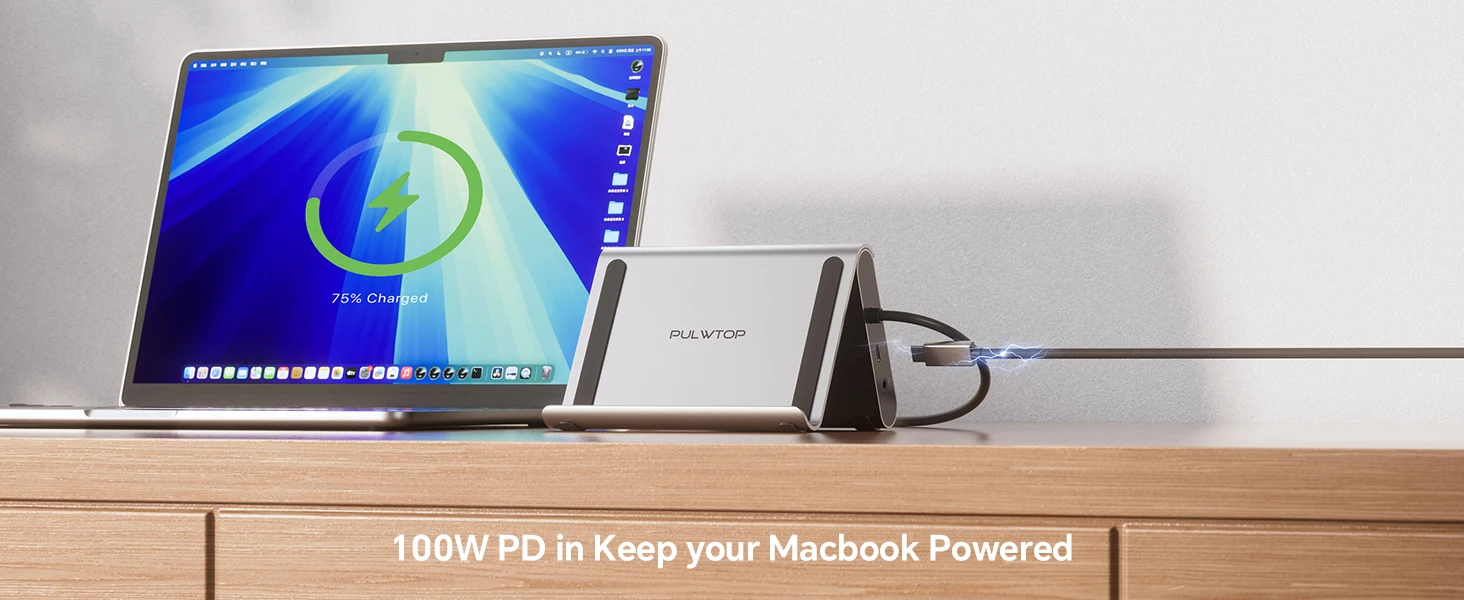
🔌 USB-C PD supports up to 100W input and up to 95W output to your laptop
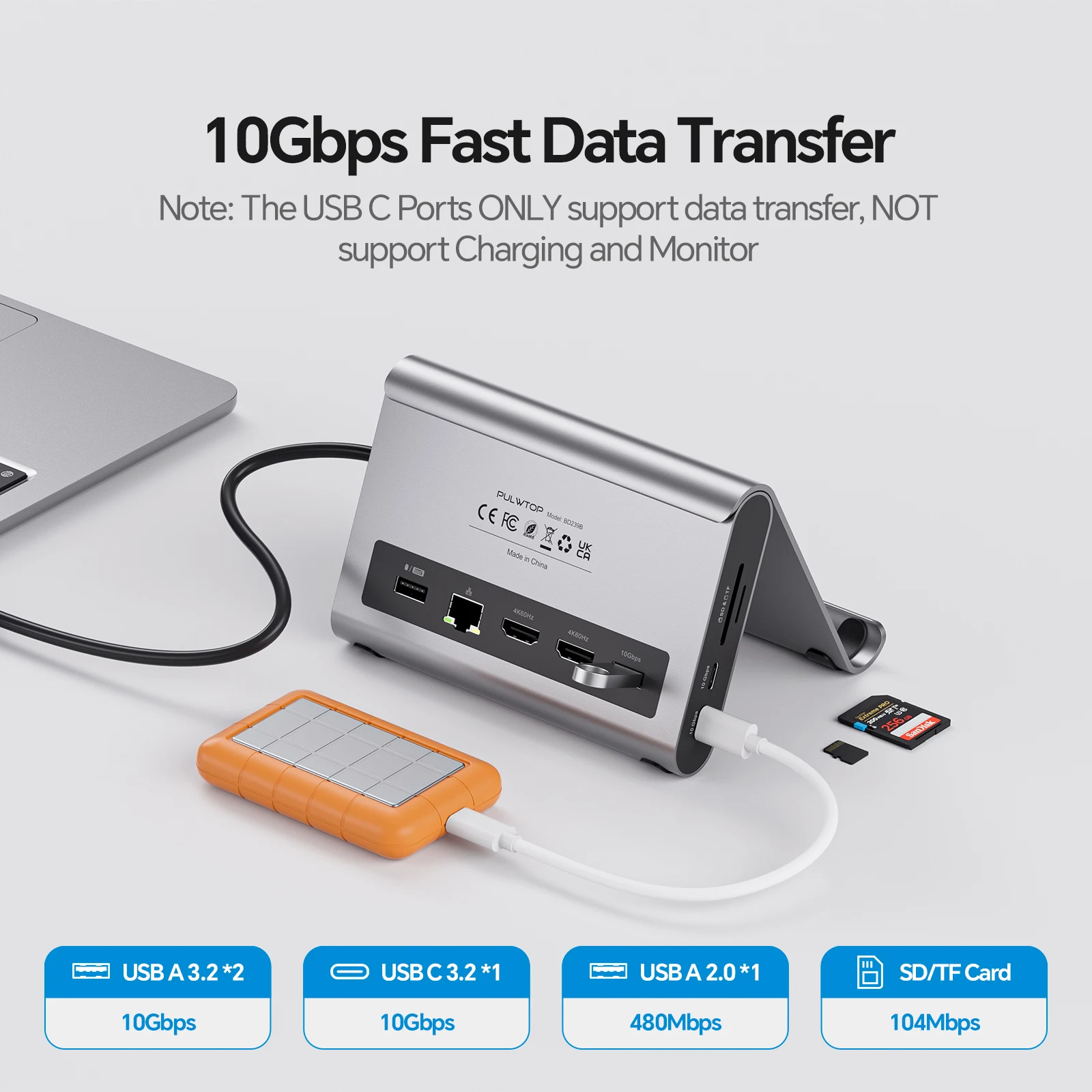
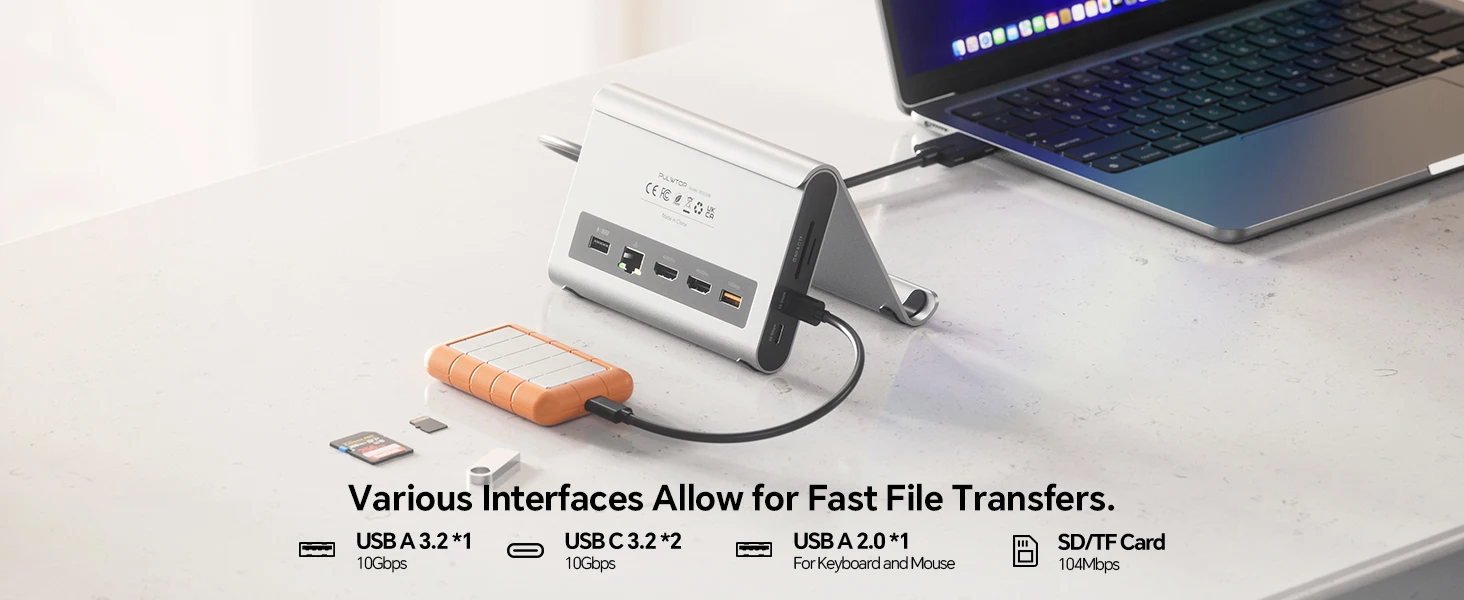
🚀 Fast data transfer with 2 x USB-C 10Gbps, 1 x USB-A 10Gbps and 1 x USB-A 2.0
🌐 RJ45 Gigabit Ethernet gives a stable wired internet connection up to 1000Mbps
💾 SD and Micro SD card reader included for quick access to photos, videos and files
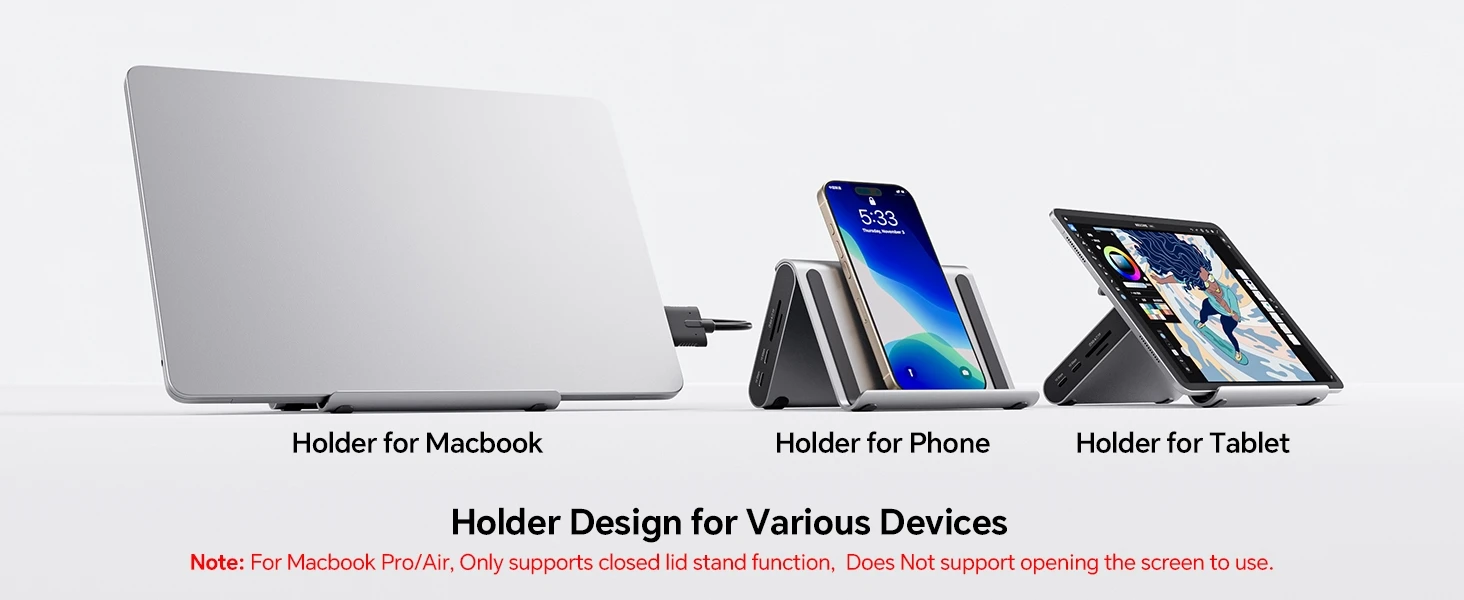
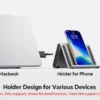
🧩 Built-in vertical stand helps save desk space and keep your MacBook neatly docked
⚠️ Power adapter is not included; supplier recommends using a 65W or higher adapter
17 in stock
Description
PULWTOP 11-in-1 MacBook Docking Station
Create a cleaner, faster and more productive MacBook setup with the PULWTOP 11-in-1 MacBook Docking Station. Designed as both a docking hub and vertical stand, it adds dual HDMI display output, high-speed USB ports, SD and Micro SD card reading, Gigabit Ethernet, audio support and USB-C Power Delivery input in one compact desktop solution.
It is ideal for MacBook users who want to connect monitors, keyboards, mice, external drives, memory cards and wired internet while keeping their desk organised.
Key Features
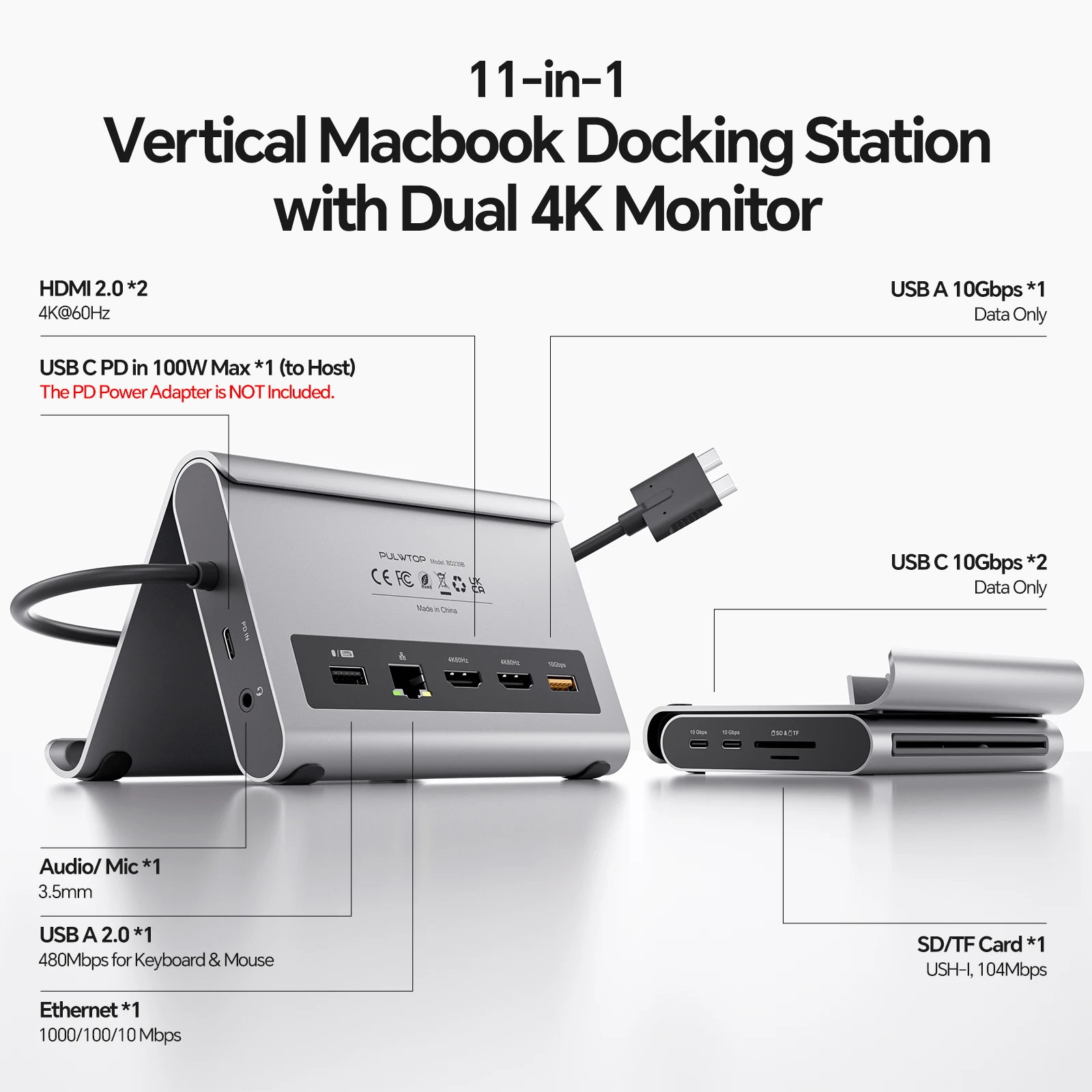
- 11-in-1 docking station: Includes dual HDMI, USB-A, USB-C, SD/TF card reader, RJ45 Ethernet, audio and PD charging support.
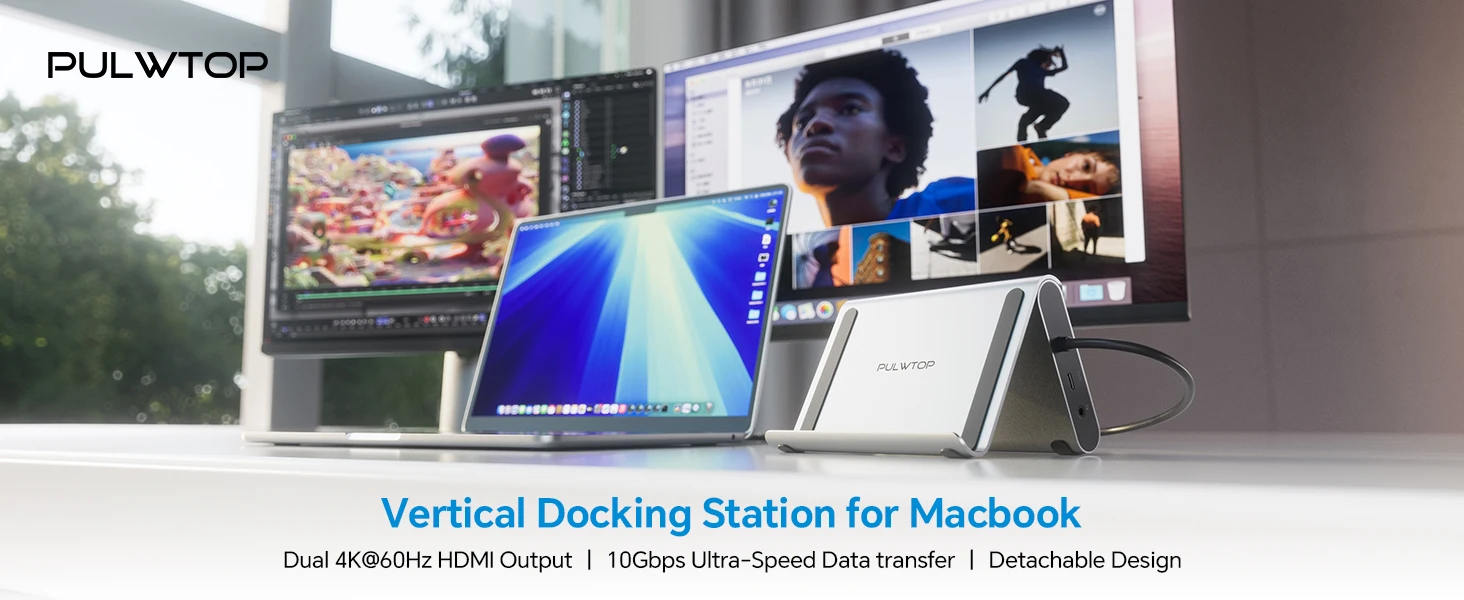
- Dual 4K HDMI output: Supports up to 2 x 4K@60Hz HDMI output for monitors, TVs or projectors.
- Fast USB data transfer: Includes 2 USB-C 10Gbps ports, 1 USB-A 10Gbps port and 1 USB-A 2.0 port for everyday peripherals.
- Gigabit Ethernet: RJ45 port supports 10/100/1000Mbps wired network connection for stable internet access.
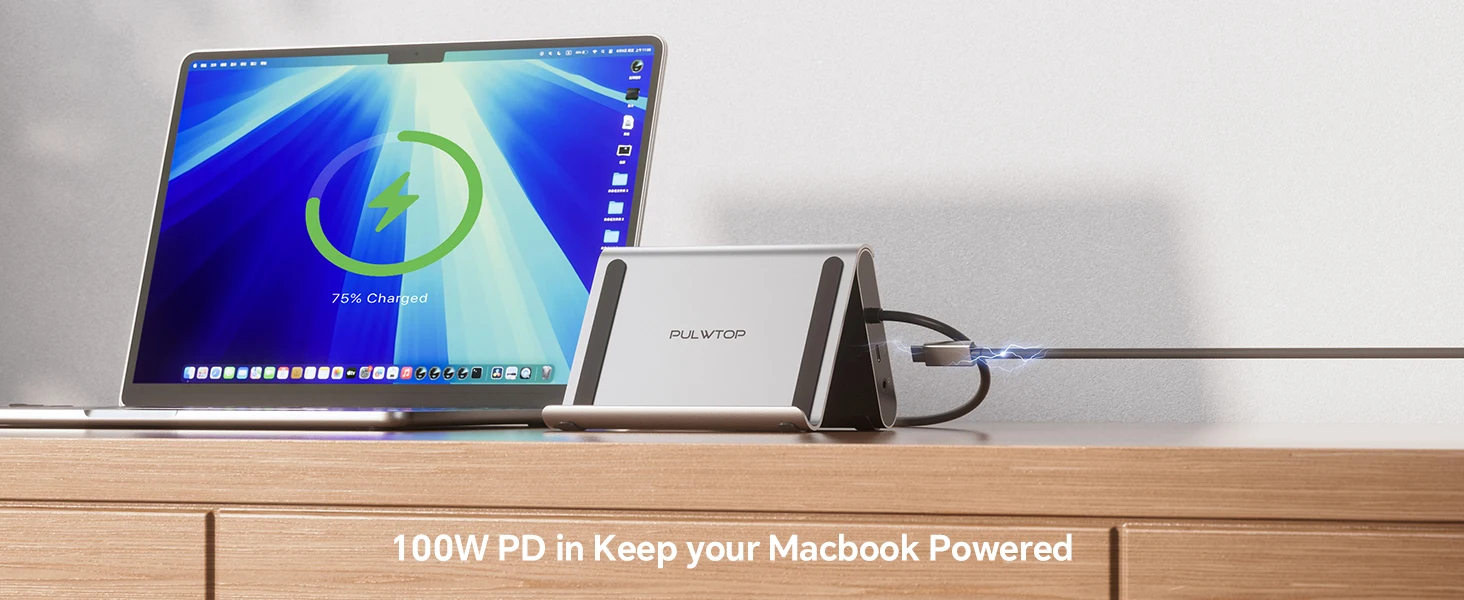
- 100W PD input: USB-C PD port supports up to 100W input and up to 95W safe output to the laptop.
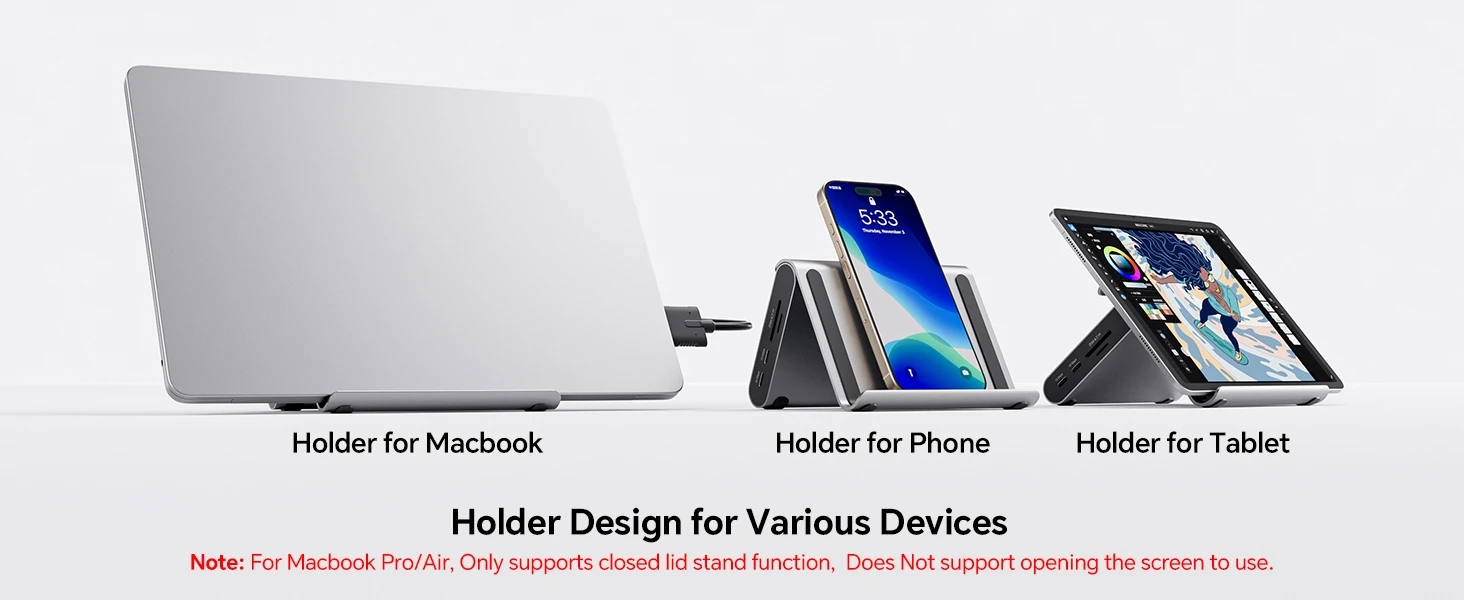
- Built-in vertical stand: Helps save desk space and keeps your MacBook neatly positioned.
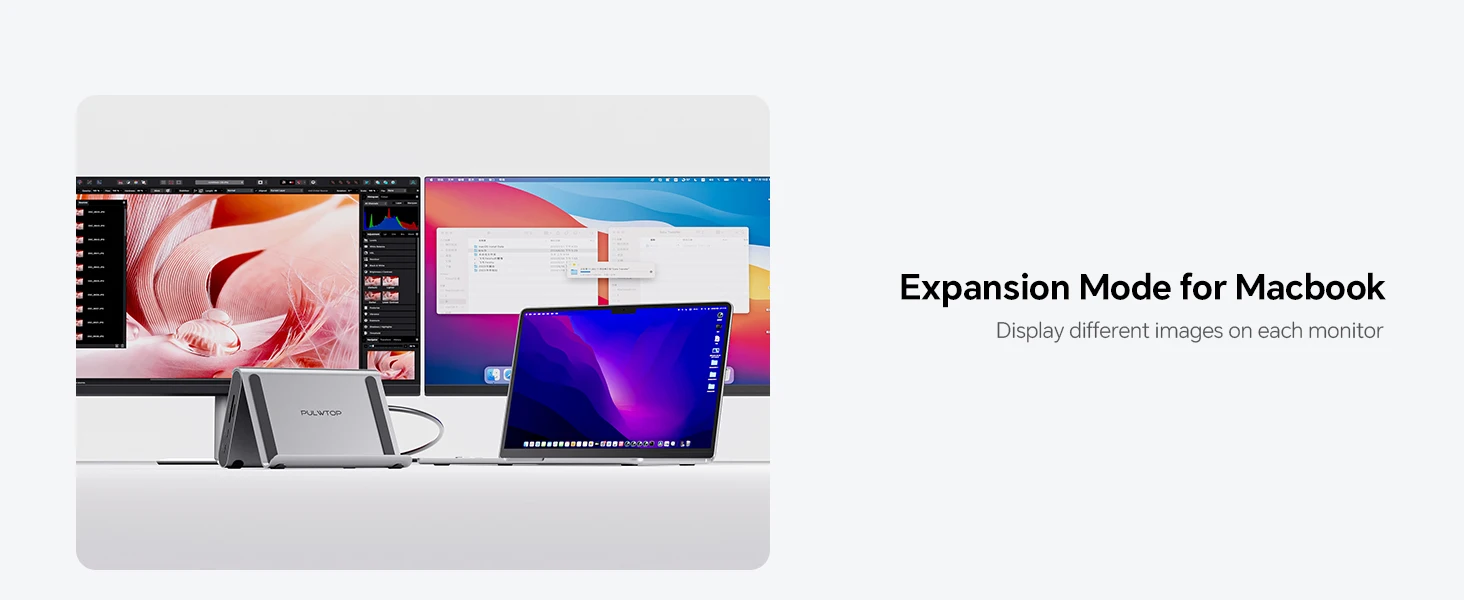
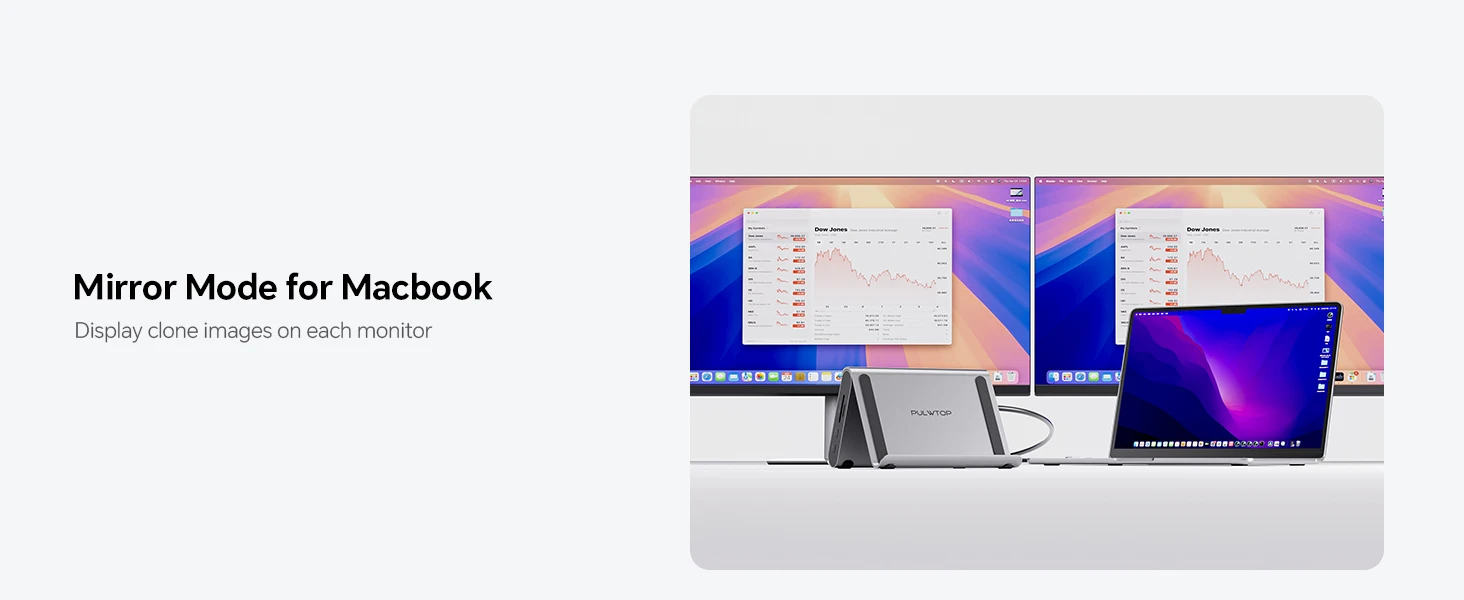
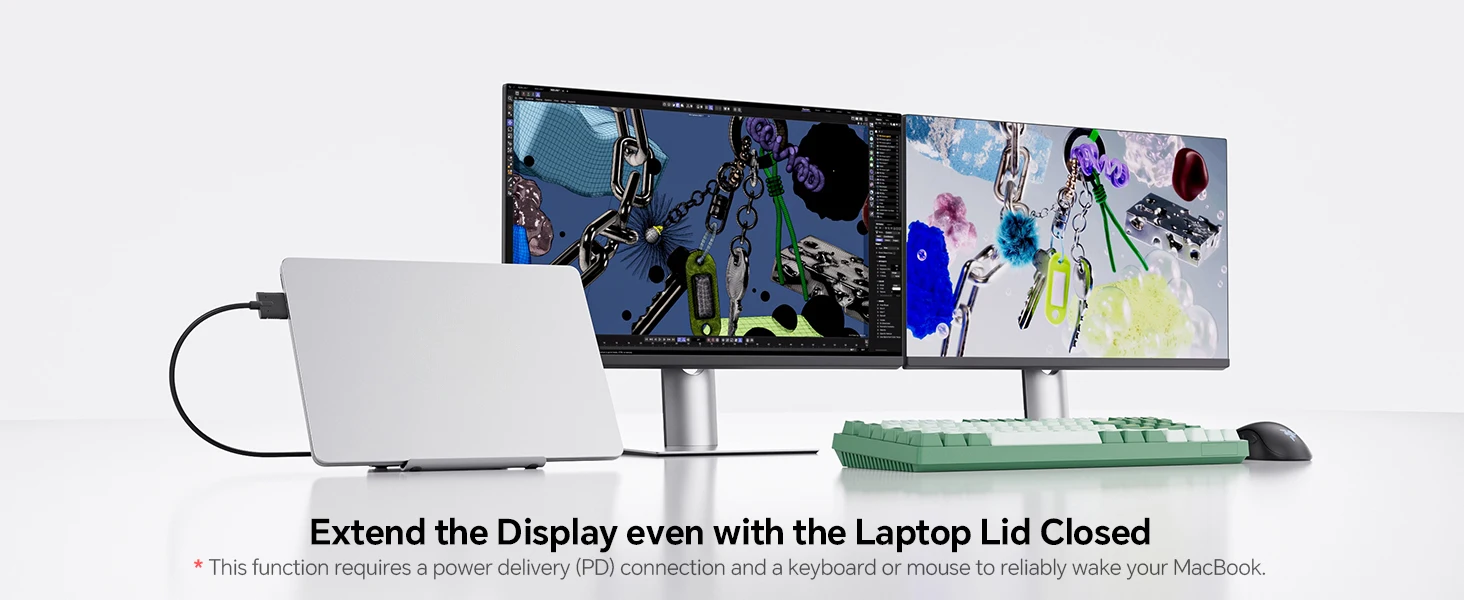
Dual 4K HDMI Display Output
The two HDMI-compatible ports support up to 4K@60Hz output, making this dock suitable for productivity setups, presentations, entertainment, web browsing, video playback and multi-screen working.
Fast Data, Cards & Everyday Accessories
Connect external storage, keyboards, mice, card readers and other accessories through the USB-A and USB-C ports. The USB-A 2.0 port is especially useful for lower-bandwidth devices such as a keyboard or mouse.
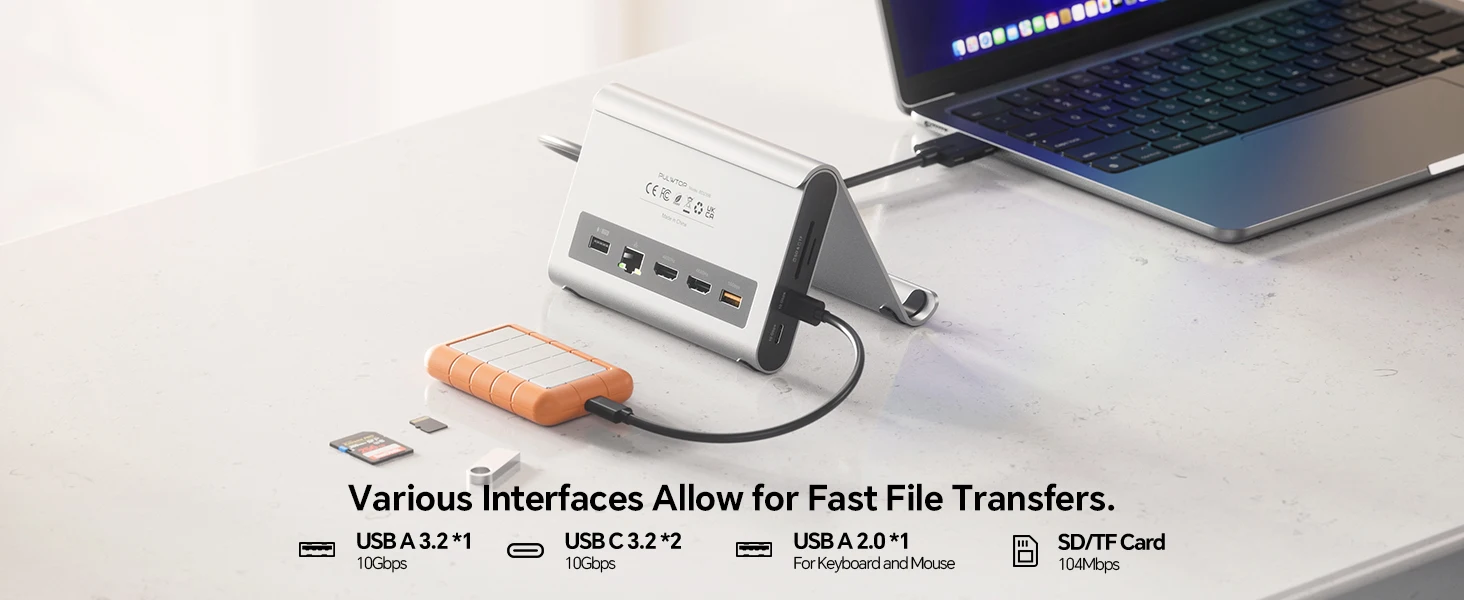
Gigabit Ethernet & PD Charging
The RJ45 Gigabit Ethernet port provides a stable wired network connection, while the USB-C PD input supports up to 100W power input. A 65W or higher power adapter is recommended and is not included.

2-in-1 Docking Station with Stand
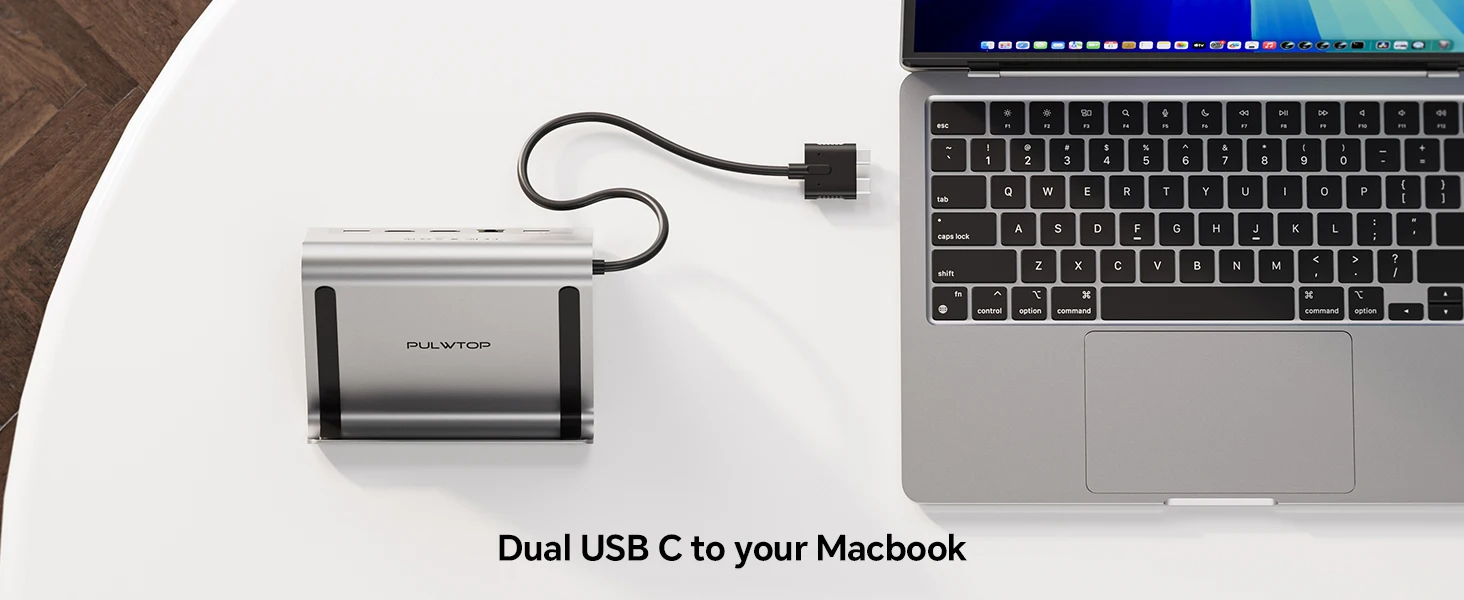
The vertical stand design helps improve desk organisation by holding your MacBook upright while giving access to the dock’s expansion ports. This makes it a practical choice for compact desks, home offices and professional workstations.

Specifications
| Brand | PULWTOP |
| Model Number | BD239B |
| Product Type | MacBook Docking Station / USB-C Hub Stand |
| Ports | 11 |
| Interface Type | USB Type-C |
| HDMI Output | 2 x HDMI-compatible, up to 4K@60Hz |
| USB Ports | 1 x USB-A 10Gbps, 2 x USB-C 10Gbps, 1 x USB-A 2.0 |
| Card Reader | SD / Micro SD |
| Ethernet | RJ45 Gigabit Ethernet, 10/100/1000Mbps |
| Charging | USB-C PD, up to 100W input / up to 95W output |
| Package | Yes |
| Origin | Mainland China |
| High-Concerned Chemical | None stated by supplier |
Compatibility Notes
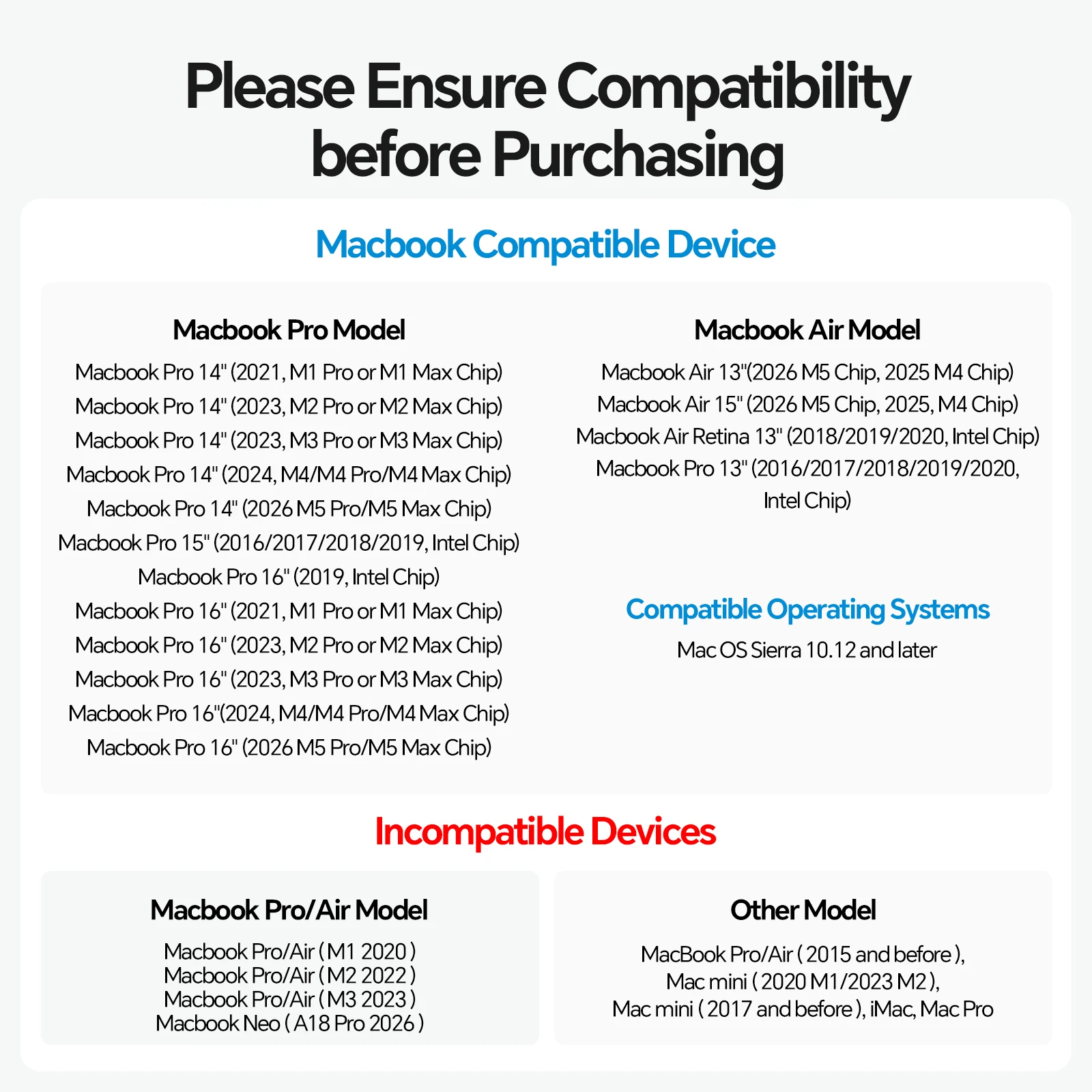
- Listed as compatible with selected MacBook Air and MacBook Pro models from 2018 onwards.
- Listed compatibility includes selected M1 Pro/Max, M2 Pro/Max, M3 Pro/Max, M4, M4 Pro/Max and M5 series MacBook models where supported.
- Supplier notes that this dock is not compatible with Windows laptops.
- Supplier notes that MacBook models with base M1/M2/M3 chips may only extend one monitor.
- USB-C 10Gbps ports are for data transfer only and do not support video output or charging.
How to Use
- Place the docking station on a stable desk surface.
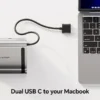
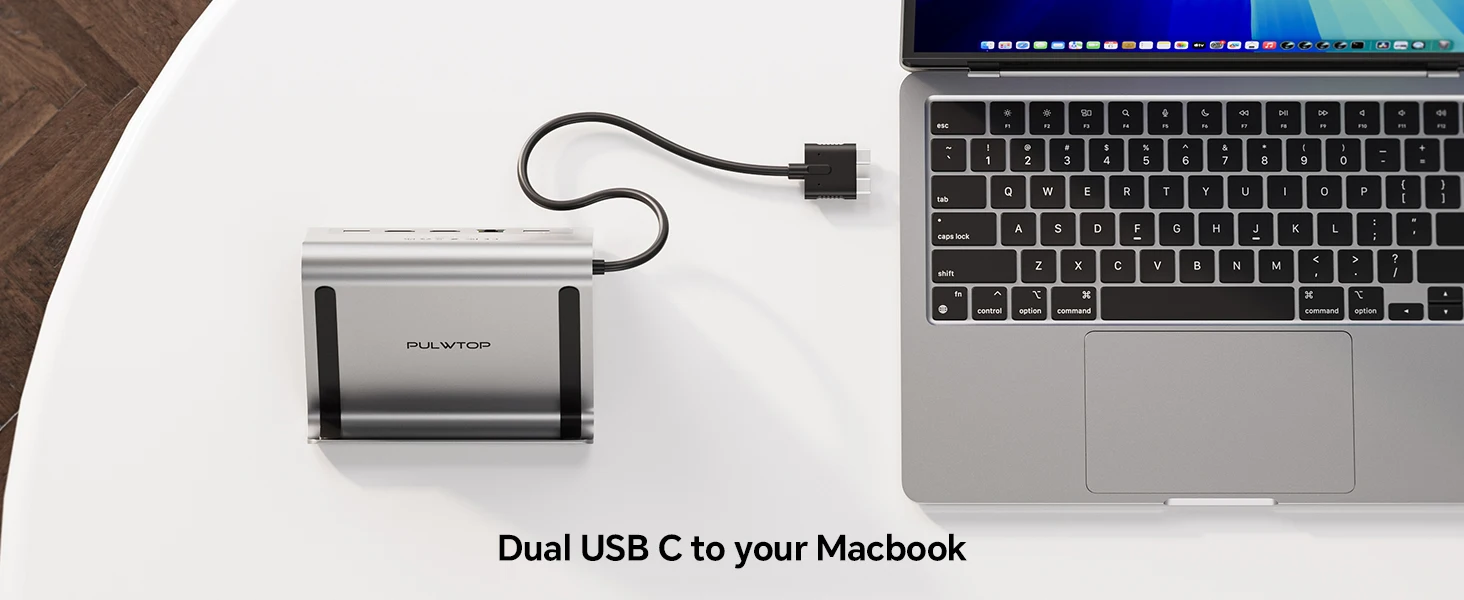
- Connect the dock to your compatible MacBook using USB-C.
- Connect your HDMI monitor, USB devices, SD/TF card, Ethernet cable or audio device as needed.
- Connect a 65W or higher USB-C power adapter to the PD input if charging is required.
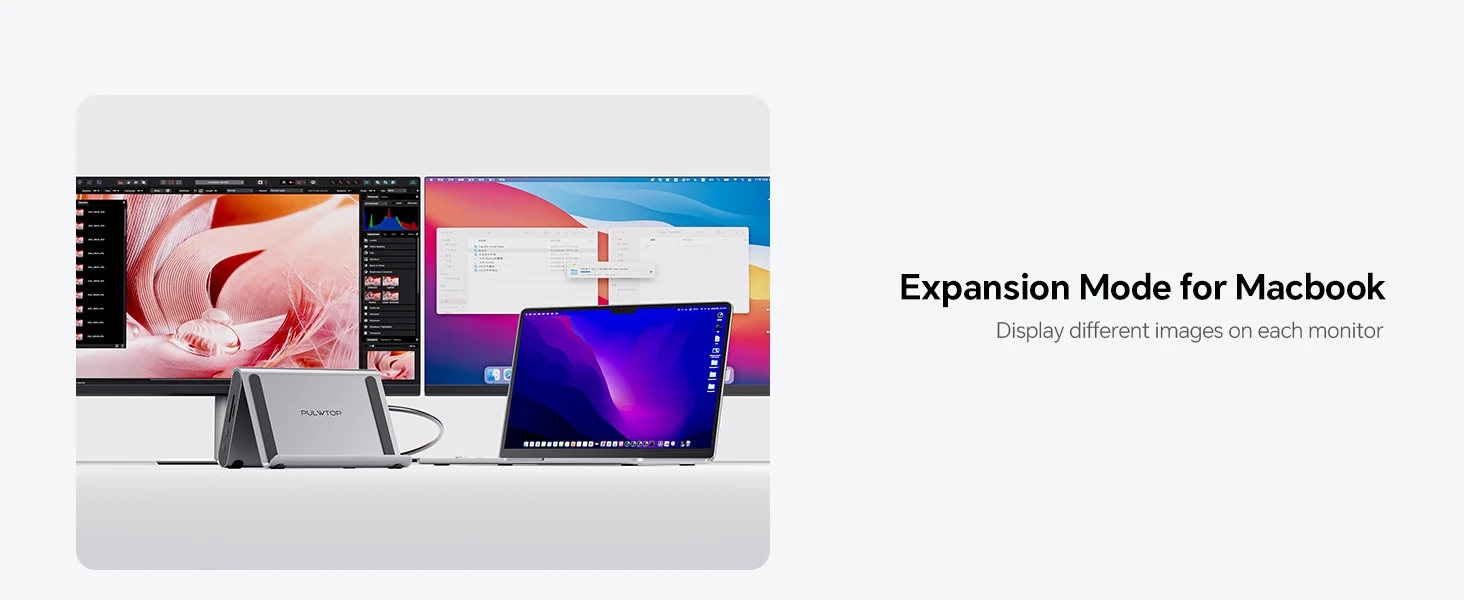
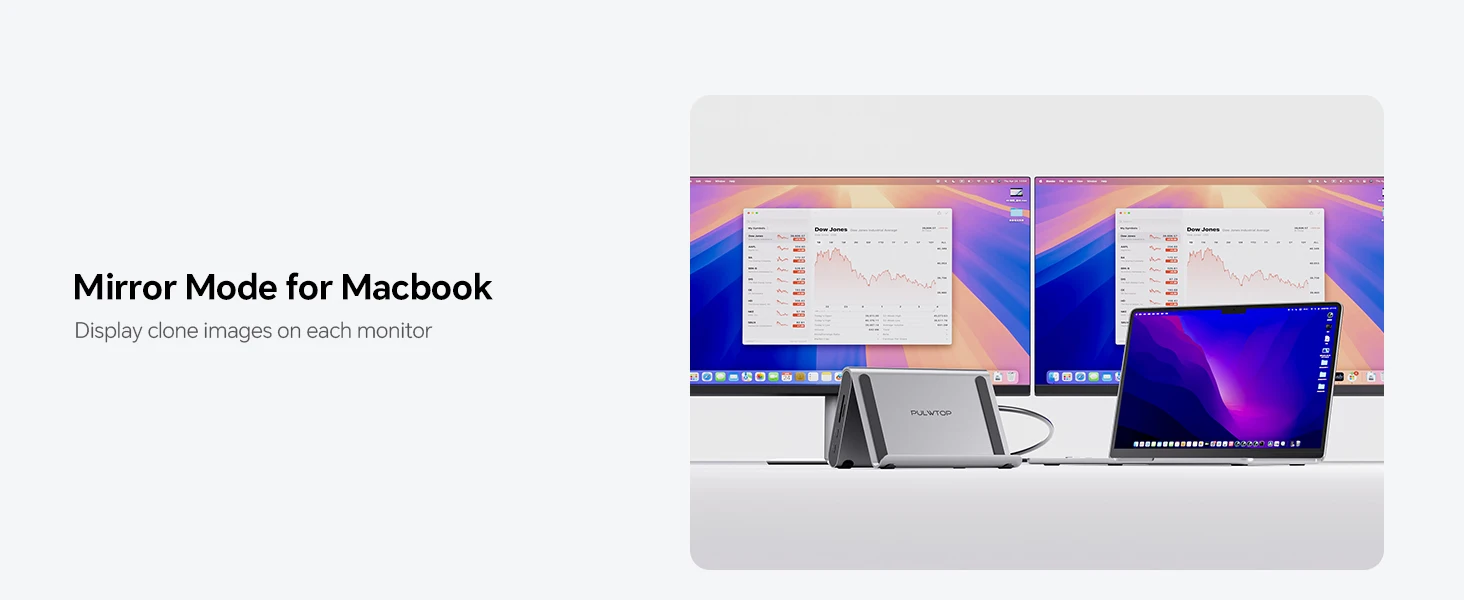
- Adjust your MacBook display settings for mirror or extended display mode where supported.
FAQ
Does this support dual monitors?
Yes, the supplier states that the dock supports 2 x HDMI output up to 4K@60Hz, but monitor extension depends on the MacBook model and chip compatibility.
Is the power adapter included?
No. The supplier notes that a 65W or higher power adapter should be connected, but it is not included.
Can the USB-C ports output video?
No. The supplier states that the 10Gbps USB-C ports do not support video or charging.
Is it suitable for Windows laptops?
The supplier states that this MacBook Pro docking station is not compatible with Windows laptops.
Additional Product Images





Related products
-
Sale!Select options This product has multiple variants. The options may be chosen on the product pageAdd to WishlistAdd to Wishlist

-
Select options This product has multiple variants. The options may be chosen on the product pageAdd to WishlistAdd to Wishlist

-
Sale!Select options This product has multiple variants. The options may be chosen on the product pageAdd to WishlistAdd to Wishlist

-
Sale!Select options This product has multiple variants. The options may be chosen on the product pageAdd to WishlistAdd to Wishlist

Reviews
There are no reviews yet.